
Range by action
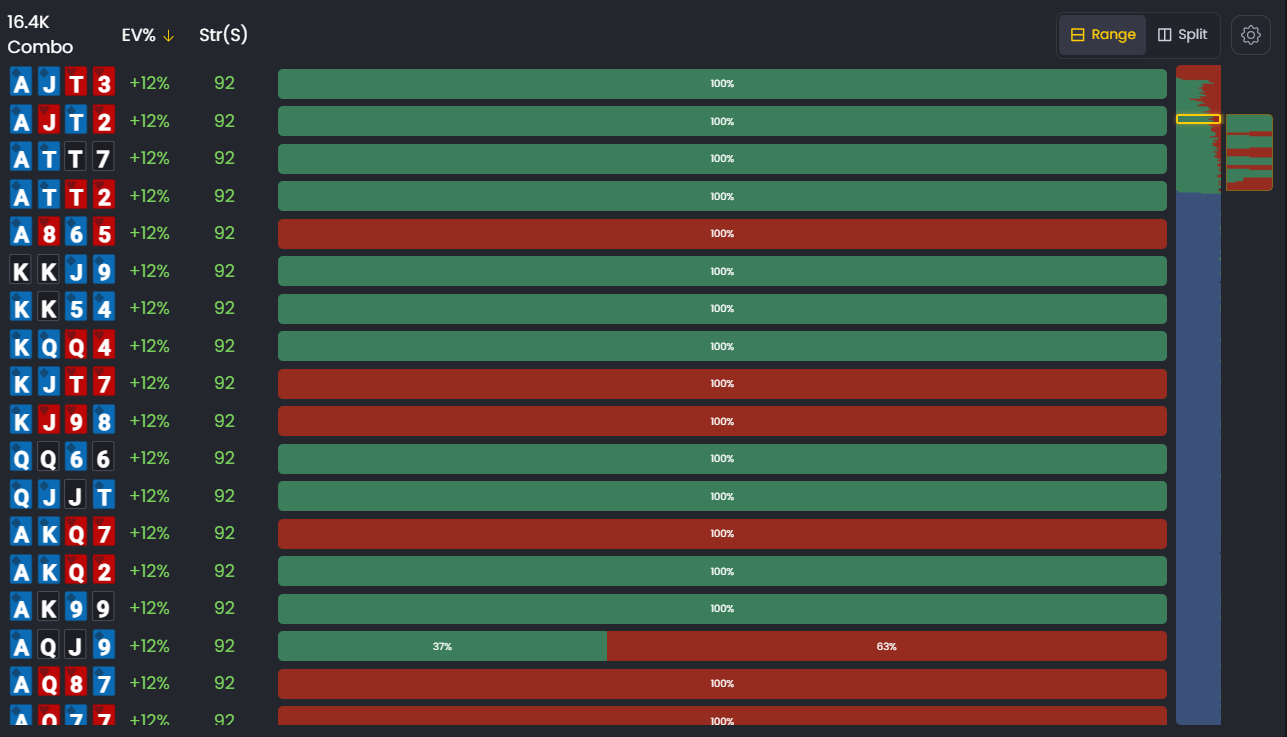
Range by Action is a powerful filtering feature in the Strategies section that allows you to instantly isolate and view only the hands that take a specific action. Instead of looking at the entire range, you can click on the action bar to filter the display and focus on just the hands that raise, call, or fold.
This feature is perfect for quick analysis when you want to understand which hands make up a specific part of the GTO strategy without switching to Split View.
What You're Looking At
At the top of the Range View, you'll see a colored horizontal bar called the Action Bar. This bar visually represents the GTO frequencies for each available action in the current spot.
- Action Bar: A colored horizontal bar showing the proportion of each action in the range.
- Raise Section: Typically shown in teal/blue, representing hands that raise.
- Call Section: Typically shown in green, representing hands that call.
- Fold Section: Typically shown in red, representing hands that fold.
- Percentage Labels: Each section displays its frequency (e.g., 85% Raise, 10% Call, 5% Fold).
How to Use Range by Action
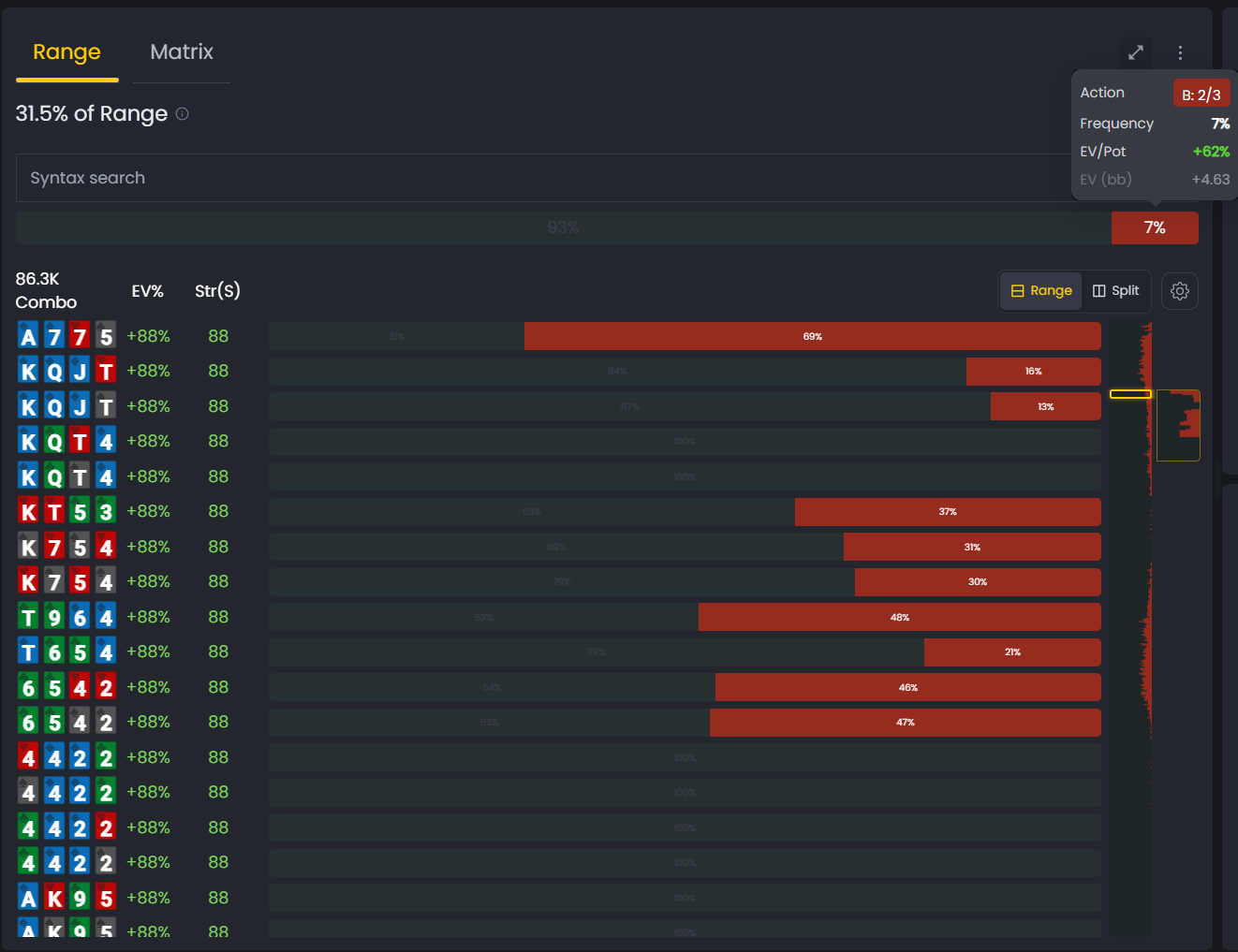
Using this feature is simple and intuitive. Follow these steps to filter your range by a specific action:
- Locate the Action Bar: At the top of the Range View, find the colored bar that shows the distribution of actions.
- Click to Filter: Click directly on the colored section of the action you want to isolate. For example, click on the red section to see only the hands that raise.
- Analyze the Filtered Range: The hand grid below will instantly update for you to identify and analyse the hands that take the selected action more easily.
- Remove the Filter: Click the same section again to deselect it and return to viewing the full range.
This feature provides a quick and intuitive way to isolate parts of a range without leaving the Range View, making it faster than switching to Split View for a quick analysis.
Finding Your Leaks
Use Range by Action to quickly check the composition of your betting, calling, and folding ranges. For example, are you only raising your strongest hands and folding everything else? Click on the "Raise" part of the action bar to see which hands GTO includes in its raising range. You might be surprised to see some bluffs or medium-strength hands that you would normally fold.
By comparing the GTO ranges for each action with your own tendencies, you can spot imbalances in your game and work on playing a more balanced, unpredictable strategy.
Was this article helpful?
Still need help?
Join our community
Get instant support from experts and fellow players
Join Discord Community